The concept
A digital image is a grid of pixels. Each pixel is stored as three numbers from 0 to 255: how much red, green and blue it has. A 1,000 × 1,000 photo = 1 million pixels × 3 = 3 million numbers.
Image models (often convolutional neural networks, or newer "vision transformers") turn those numbers into meaning in layers:
- Early layers spot simple things: edges, color patches.
- Middle layers combine those into shapes and textures: curves, spots, stripes.
- Final layers combine shapes into objects: "banana", "apple", "box".
Walkthrough: sorting bananas by ripeness on a packing line
A camera photographs each banana. The model must say: green, ripe or overripe.
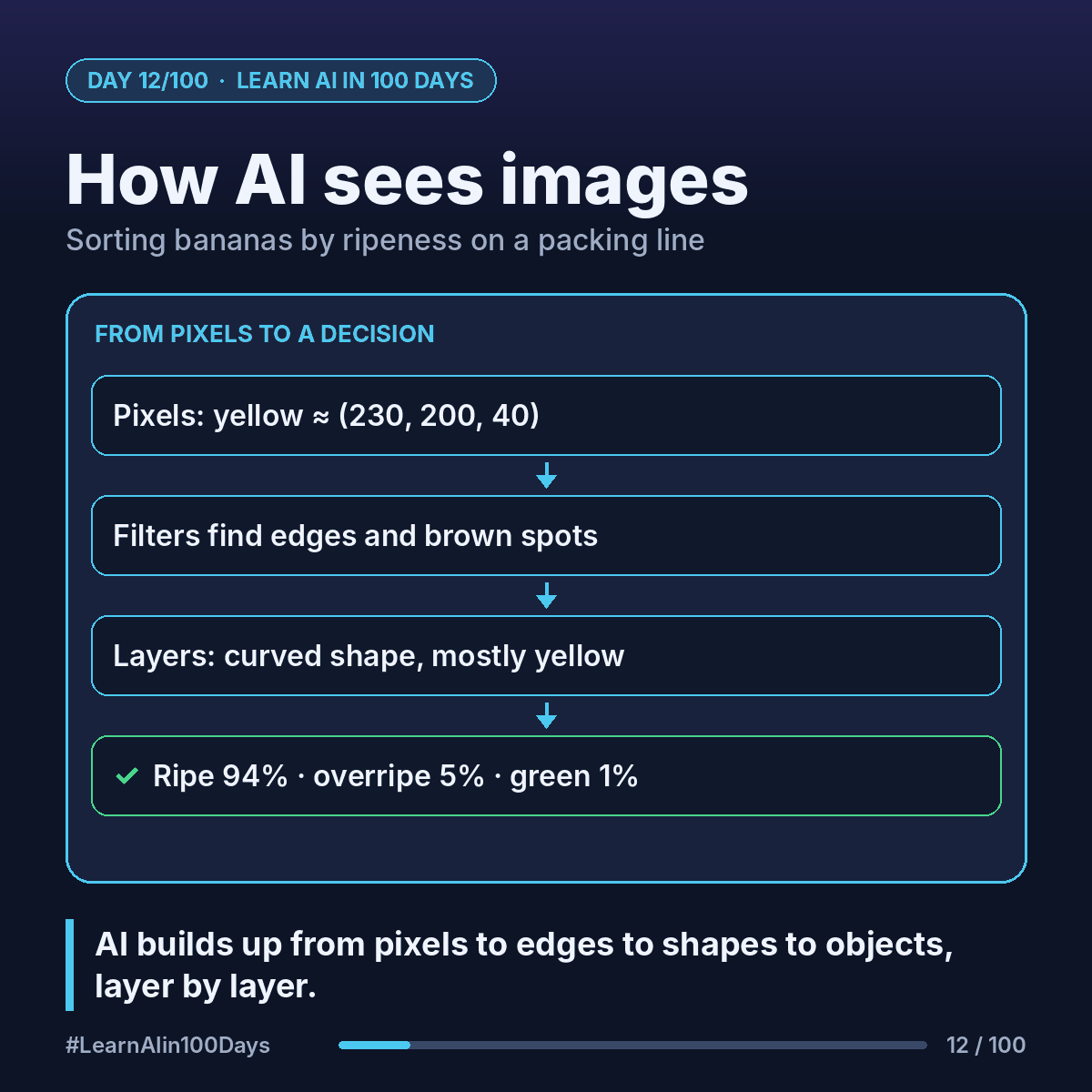
Step 1: Pixels in. A yellow pixel is roughly (230, 200, 40): lots of red and green, little blue. A green pixel is more like (90, 160, 50). A brown spot is darker, like (100, 70, 30).
Step 2: Filters slide across the image. A filter is a small window, say 3 × 3 pixels, that checks every patch of the image for one pattern. One filter lights up at edges, another at brown spots. Each produces a map of where its pattern appears.
Step 3: Layers build up. Edges → a long curved outline. Brown spots → speckled texture. Color patches → mostly yellow.
Step 4: Decision. The last layer weighs it all: curved shape + mostly yellow + few spots → ripe 94%, overripe 5%, green 1%.
How did it learn which filters to use?
Same as always: thousands of labeled banana photos, plus loss and gradient descent (Day 10). Nobody hand-designed a brown spot detector. It emerged.
Watch-outs
- Lighting matters: a model trained under bright lights may struggle in a dim warehouse.
- Unusual cases (bruised, half-peeled) need examples too, or the model just guesses.
Where you see it at work
- Insurance: estimating car damage from claim photos.
- Healthcare: highlighting areas on X-rays for a doctor to review.
- Retail: checking shelves for empty spots.
- Banking: reading checks and ID documents during account opening.
In one sentence
AI sees an image as a grid of numbers and builds up from edges to shapes to objects, layer by layer, using filters it learned from labeled examples.