The concept
Copilot cloud agent: Copilot working in the background on GitHub, in a temporary environment powered by GitHub Actions (GitHub's automation service). It researches the repo, changes code on a new branch and opens a pull request. Many articles call it the "Copilot coding agent"; GitHub's docs now say cloud agent.
Issue: a ticket in a GitHub repository.
Pull request (PR): proposed changes someone reviews before merging (Day 48).
Who has it: all paid Copilot plans, per GitHub's docs, not Copilot Free. In companies an admin enables it. It uses Actions minutes and AI credits.
Agent mode (Day 57) works in your editor while you watch. The cloud agent works on GitHub while you do something else.
Walkthrough: a tip-calculator bug
A tip calculator accepts a bill of -50 and shows a negative tip.
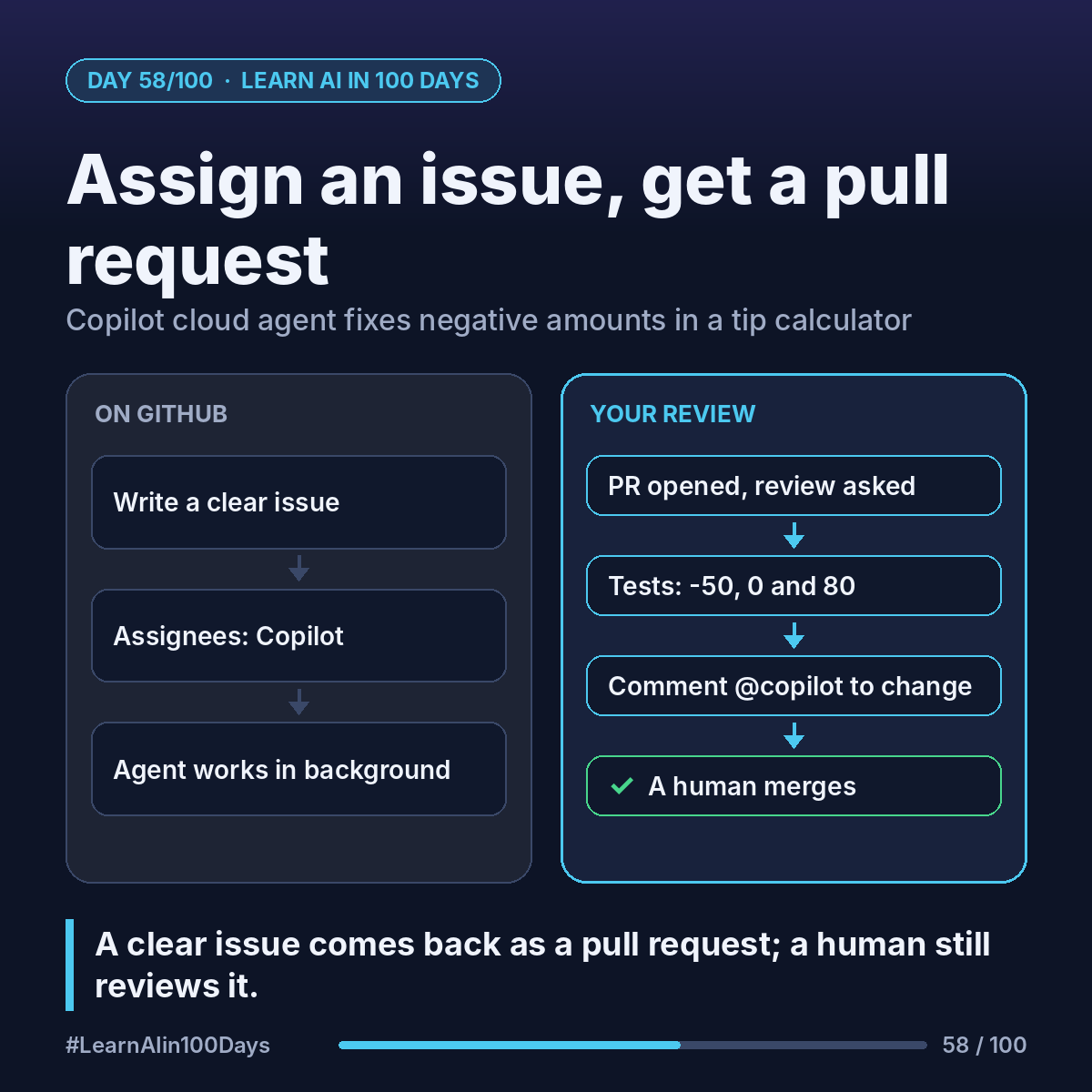
1. Write the issue like a good user story. Title: "Reject negative amounts in the tip calculator." Body: "If bill or tip % is below 0, show 'Amount must be 0 or more'. Add tests for -50, 0 and 80."
2. In the issue sidebar, click Assignees and choose Copilot. Add optional guidance.
3. Copilot works in the background; follow along in the session logs.
4. When done, it opens a PR and requests your review.
5. Read the diff and check the tests cover -50, 0 and 80. By default your test workflows wait until you click Approve and run workflows.
6. Need more? Comment on the PR: "@copilot also reject text like 'abc'." It pushes new commits.
7. Merge only when satisfied.
Copilot won't see issue comments added after assignment, so put new details in the PR.
Where you see it at work
- Banking: small, well-specified validation fixes in internal tools.
- Insurance: backlog clean-up like adding missing tests.
- Healthcare: agent changes go through the same human review.
- Retail: quick fixes to store reporting tools.
- Product owners: issues with acceptance criteria become direct instructions.
Try it today (10–15 min)
1. Needs a paid plan. On Free, still do steps 2–3.
2. Create a test repo with a tiny tip calculator (Copilot can draft it).
3. Write the issue above with clear acceptance criteria.
4. Assign it to Copilot and review the PR line by line.
5. Docs: https://docs.github.com/en/copilot/how-tos/use-copilot-agents/cloud-agent/use-cloud-agent-on-github
In one sentence
Assign a clear issue to Copilot cloud agent and it returns a pull request, but a human still reviews and merges.
Which ticket in your backlog is clear enough to hand to an agent today? 👇