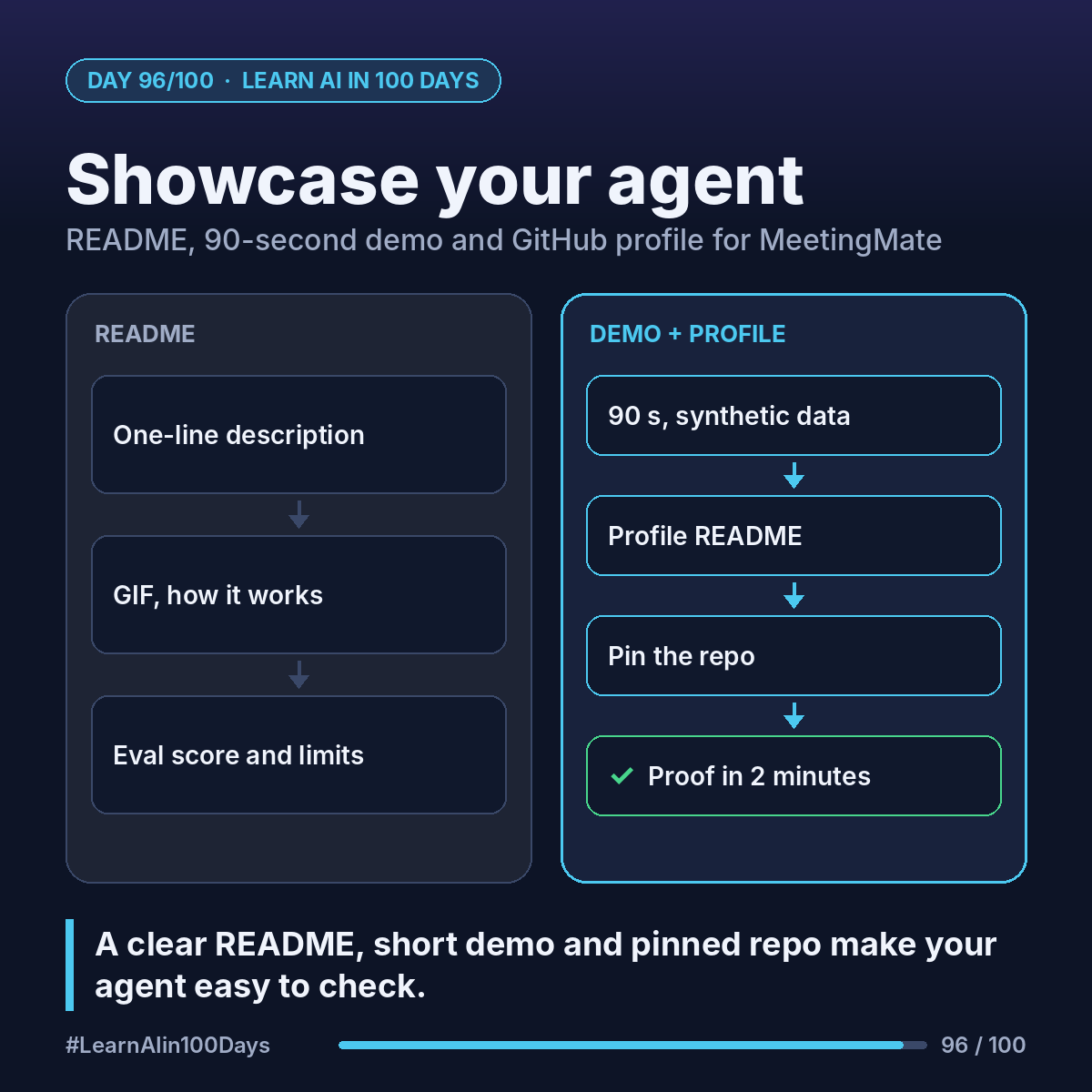
The concept
README: README.md, the front page GitHub shows for a repository.
Demo video: a short screen recording of the agent doing one real job.
Portfolio: the few projects you pin on your GitHub profile.
Walkthrough: packaging MeetingMate
1. The README, in this order:
- One line: "MeetingMate turns meeting notes into action items, checks for duplicates and drafts the follow-up email; a human approves first."
- A GIF or screenshot right under it.
- The problem: action items get lost after meetings.
- How it works: transcript → Claude → list_open_tasks, create_task, draft_followup_email → human approval.
- Quickstart: clone, add API key to .env, install, run.
- Results: your real eval score (Day 91), cost per run (Day 92).
- Safety: the 7 checks from Day 93.
- Limits and next steps. Honest beats impressive.
2. The 90-second demo:
- 0–10 s: the problem in one sentence.
- 10–40 s: paste the sample product sync (Ana, Raj, Lena) and show the 3 action items as JSON.
- 40–60 s: one item flagged as a duplicate of an open task.
- 60–80 s: Ana approves; the follow-up email draft appears.
- 80–90 s: the eval score and one thing you'd improve.
Synthetic data only, and no API key on screen.
3. The GitHub portfolio:
- A public repo named exactly your username, with a README, shows on your profile.
- Write 3 lines there: who you are, what you're learning, a link to MeetingMate.
- Pin MeetingMate (you can pin up to six repositories and gists).
4. Share it: a LinkedIn post with the demo, what you learned, and one thing that surprised you.
Where you see it at work
- Banking: a working demo makes an AI idea concrete for reviewers.
- Insurance and healthcare: a clear limits section helps risk and compliance reviews.
- Product management: a README is a mini product brief; a demo is a sprint review.
- Business analysis: a portfolio project shows you can turn requirements into something that runs.
Try it today (10–15 min)
1. Write the one-line description of your agent.
2. Draft the README headings above, even with gaps.
3. Set up your profile README: https://docs.github.com/en/account-and-profile/how-tos/profile-customization/managing-your-profile-readme
4. Pin your project: https://docs.github.com/en/account-and-profile/how-tos/profile-customization/pinning-items-to-your-profile
In one sentence
A one-line README, a 90-second demo and a pinned repo turn your agent into proof anyone can check in 2 minutes.