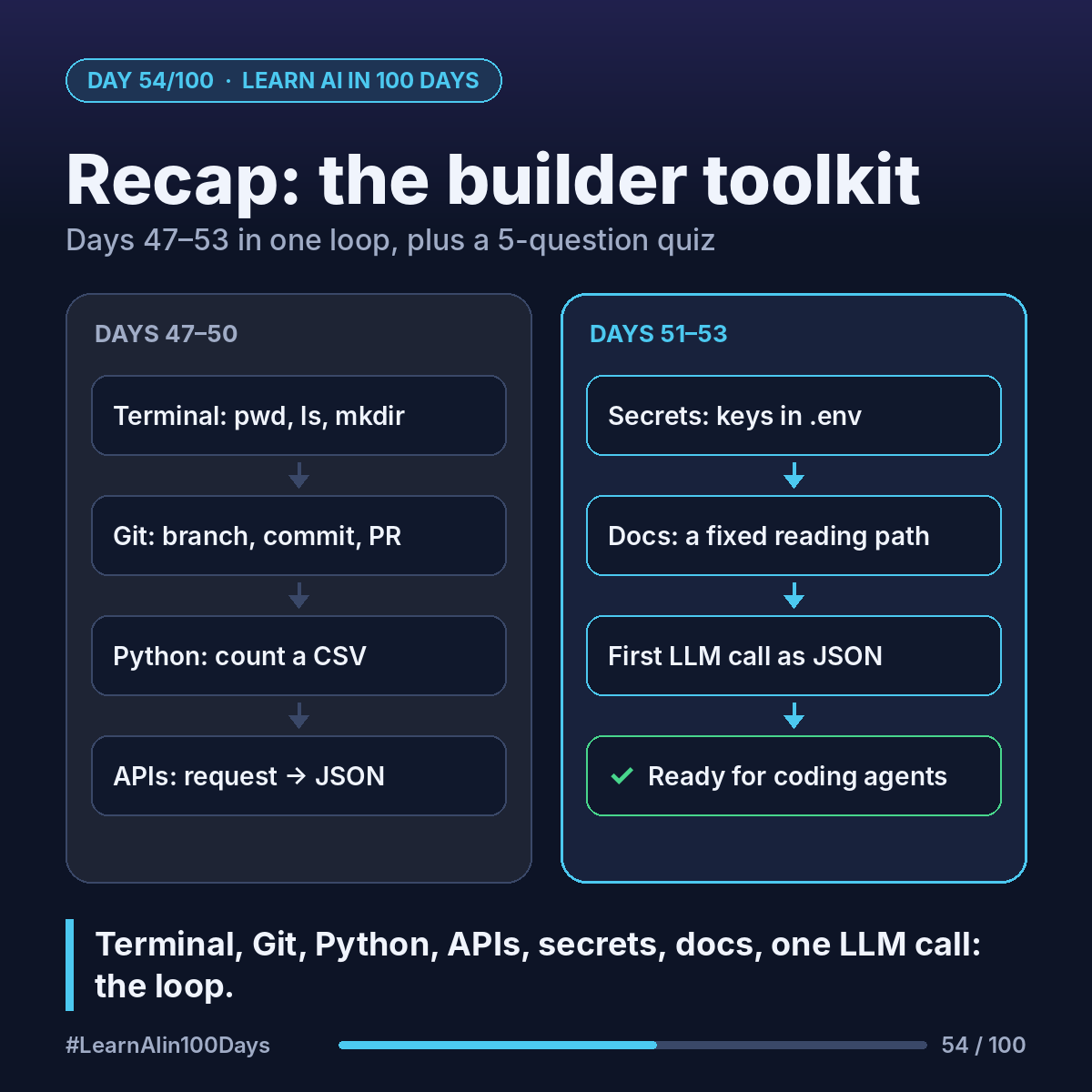
The builder toolkit, Days 47–53
- Day 47, Terminal: type commands instead of clicking. pwd shows where you are, ls lists files, mkdir makes a folder.
- Day 48, Git and GitHub: Git saves versions, GitHub shares them. Branch, commit, then propose changes with a pull request.
- Day 49, Python: a short script read a CSV and counted rows per category.
- Day 50, APIs and JSON: a request (URL, method, headers, body) gets a response (status code plus JSON).
- Day 51, Secrets: keys live in environment variables or a .env file listed in .gitignore. A leaked key is revoked first.
- Day 52, Docs: quickstart, auth, one endpoint, errors, rate limits.
- Day 53, First LLM call: a POST with a model and a prompt; ask for JSON back.
How they connect: in a terminal, inside a Git repo, a Python script reads your key from the environment, calls a model and handles the JSON. Coding agents run this loop for you; now you can follow it.
Quiz: 5 questions
1. You don't know which folder your terminal is in. Which command tells you?
2. Commit vs pull request: what's the difference?
3. An API answers with status 401. What does it most likely mean?
4. You pushed an API key to a public repo, then deleted the file. Are you safe?
5. An LLM's reply breaks json.loads. Name one fix.
Answers
1. pwd (print working directory).
2. A commit saves a snapshot of changes. A pull request asks others to review and merge a branch's commits.
3. Not authorized: the key is missing, wrong or expired.
4. No. It's still in Git history and may be copied. Revoke it, create a new one, keep it in .env.
5. Any of: ask for "JSON only" with the exact keys, check the reply before parsing, or use the provider's structured-output option if its docs offer one.
Where you see it at work
- Product management: you can read a pull request and an API doc in sprint review.
- Business analysis: requests, responses and status codes are integration vocabulary.
- Banking and insurance: key handling and secret scanning come up in audits.
- Healthcare and retail: one script and one API call can prototype a tagging idea.
Try it today (10–15 min)
1. Answer the quiz without scrolling to the answers. Score out of 5.
2. Reread the day behind any miss.
3. Commit your Day 53 script on a branch, confirm with git status that .env isn't staged, push, open a pull request.
In one sentence
Terminal, Git, Python, APIs, secrets, docs and one LLM call make up the builder's loop that coding agents will now run with you.