The concept
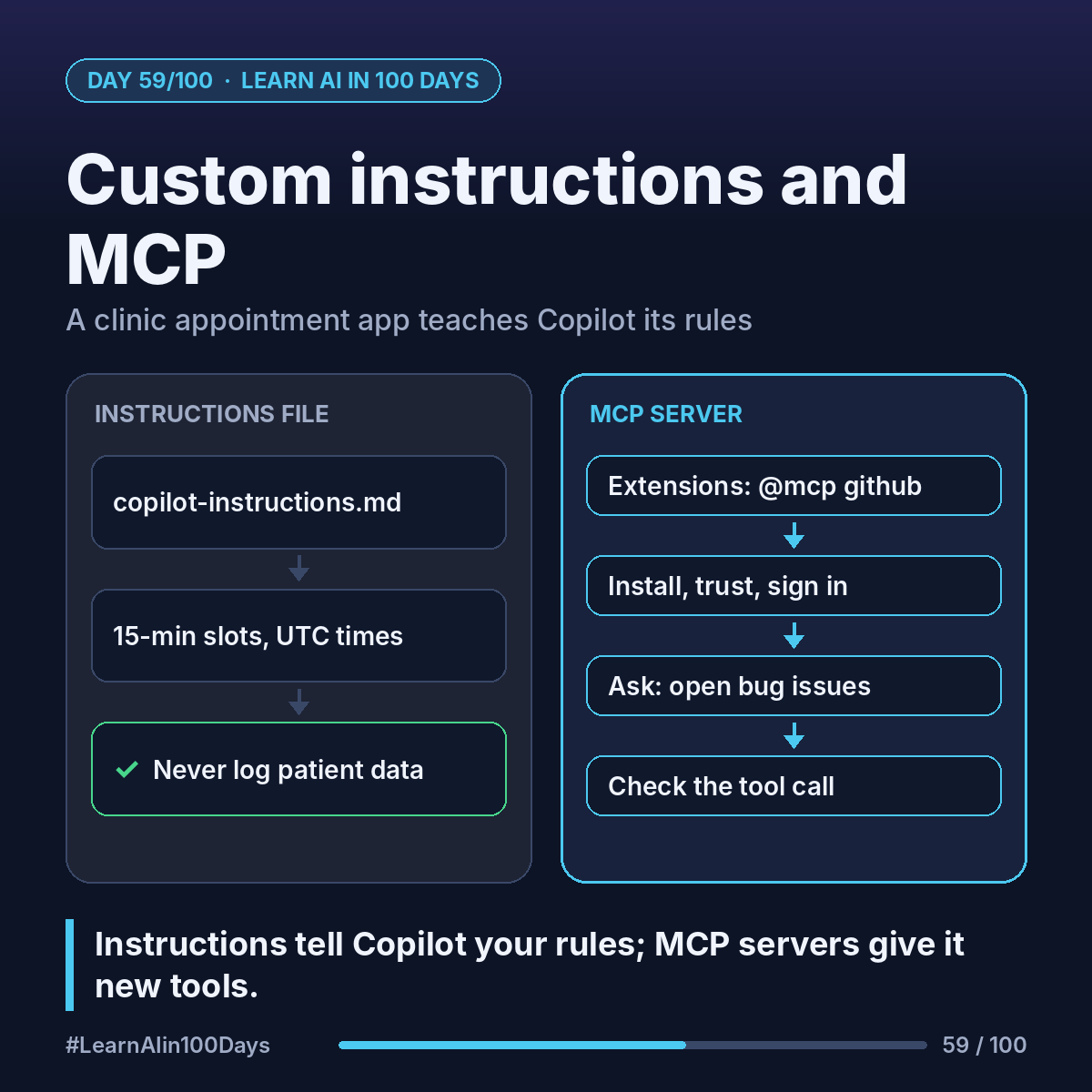
Custom instructions: a Markdown file in your repository that Copilot reads automatically, so you don't repeat rules in every prompt. A system prompt (Day 24) for your project.
The main files, per GitHub and VS Code docs:
- .github/copilot-instructions.md: rules for the whole repo.
- .github/instructions/NAME.instructions.md: rules for certain files, e.g. tests.
- AGENTS.md: a shared format that Copilot and other coding agents can read.
MCP server (Day 38): a connector that gives Copilot new tools, like reading GitHub issues.
Walkthrough: a clinic appointment app
Part 1. Create .github/copilot-instructions.md:
Clinic appointment booking app in Python.
- Store times in UTC; show clinic local time.
- Slots are 15 minutes, 08:00–18:00, Mon–Fri.
- Never log patient names, phones or dates of birth.
- Every new function needs a test.
- Plain error messages, e.g. "That slot is taken."
Now ask Chat: "Add a function to cancel an appointment." Without the file, it might log the patient's name. With it, Copilot should follow the clinic's rules and add a test. Check that it did.
Part 2. The GitHub MCP server lets Copilot work with your issues and pull requests. It's available on every plan.
1. In VS Code Extensions, search @mcp github.
2. Select the GitHub MCP server, click Install, confirm you trust it.
3. Sign in with GitHub and approve what it may access.
4. In Chat (Agent), ask: "List open issues in this repo labelled bug."
5. Expand the tool call to confirm the answer came from the server.
Where you see it at work
- Healthcare: "never log patient data", written once, applied every time.
- Banking: rounding and currency conventions.
- Insurance: naming rules for policy and claim fields.
- Retail: an MCP server for the product catalogue.
- Product and BA: the instructions file is a living spec you can review.
Install only MCP servers you trust: they act with the access you grant.
Try it today (10–15 min)
1. In any repo, create .github/copilot-instructions.md with 3–5 rules.
2. Ask Chat for a change; does it follow them?
3. Install the GitHub MCP server and ask about your issues.
4. Docs: https://docs.github.com/en/copilot/concepts/prompting-and-context/custom-instructions and https://code.visualstudio.com/docs/agent-customization/mcp-servers
In one sentence
An instructions file tells Copilot your project's rules, and MCP servers give it new tools.
What's the first rule you'd put in your team's instructions file? 👇